Pixmind
  • AI Agent
  • Inspiration
  • Pricing
  • User Manual
Pixmind
HomeAI Image ToolsAI Image Generator

Free AI Image Generator

Generate from text or images, refine with simple prompts, and switch between leading AI models inside PixMind's online AI image generator.

Create AI images online

25+ models
Top AI Models
Top AI Models

Top AI Models

Access leading models for product shots, realistic scenes, posters, characters, and design assets.

Studio Grade Quality

Studio Grade Quality

Create clean, detailed visuals with better prompt adherence and usable commercial composition.
Precise Controlled Editing

Precise Controlled Editing

Use reference images and follow-up prompts to change details without rebuilding the entire idea.

Next-gen text to image and image to image creation

Transform rough ideas into finished images in seconds. Type a prompt or upload reference images, then create high-quality visuals for products, marketing, social media, and design work.
Next-gen text to image and image to image creation
Top AI models, all in one place

Top AI models, all in one place

Use PixMind, GPT Image, Midjourney-style generation, FLUX, Seedream, Nano Banana, and more from one workflow.

PixMind
GPT Image
Midjourney
FLUX
Seedream
Nano Banana

Professional image quality and precise control

Create realistic images, keep details consistent, and edit with simple instructions instead of regenerating everything from scratch.

Professional image quality and precise control

AI image prompt library

Browse practical prompt patterns, remix them for your subject, and generate the result directly in PixMind.

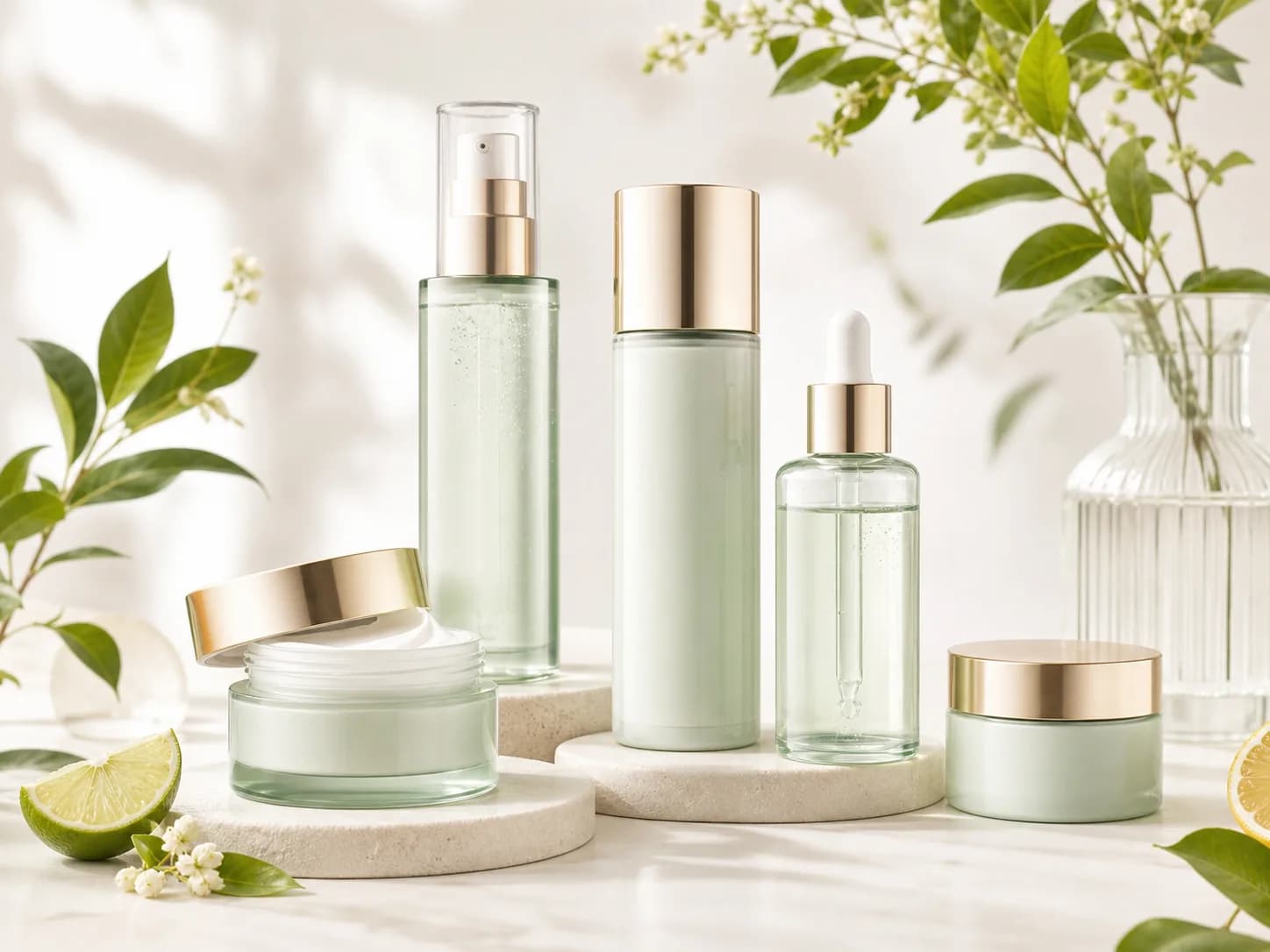
Luxury product photography with soft daylight, clean packaging, natural props, bright studio background.
Prompt 1

Luxury product photography with soft daylight, clean packaging, natural props, bright studio background.

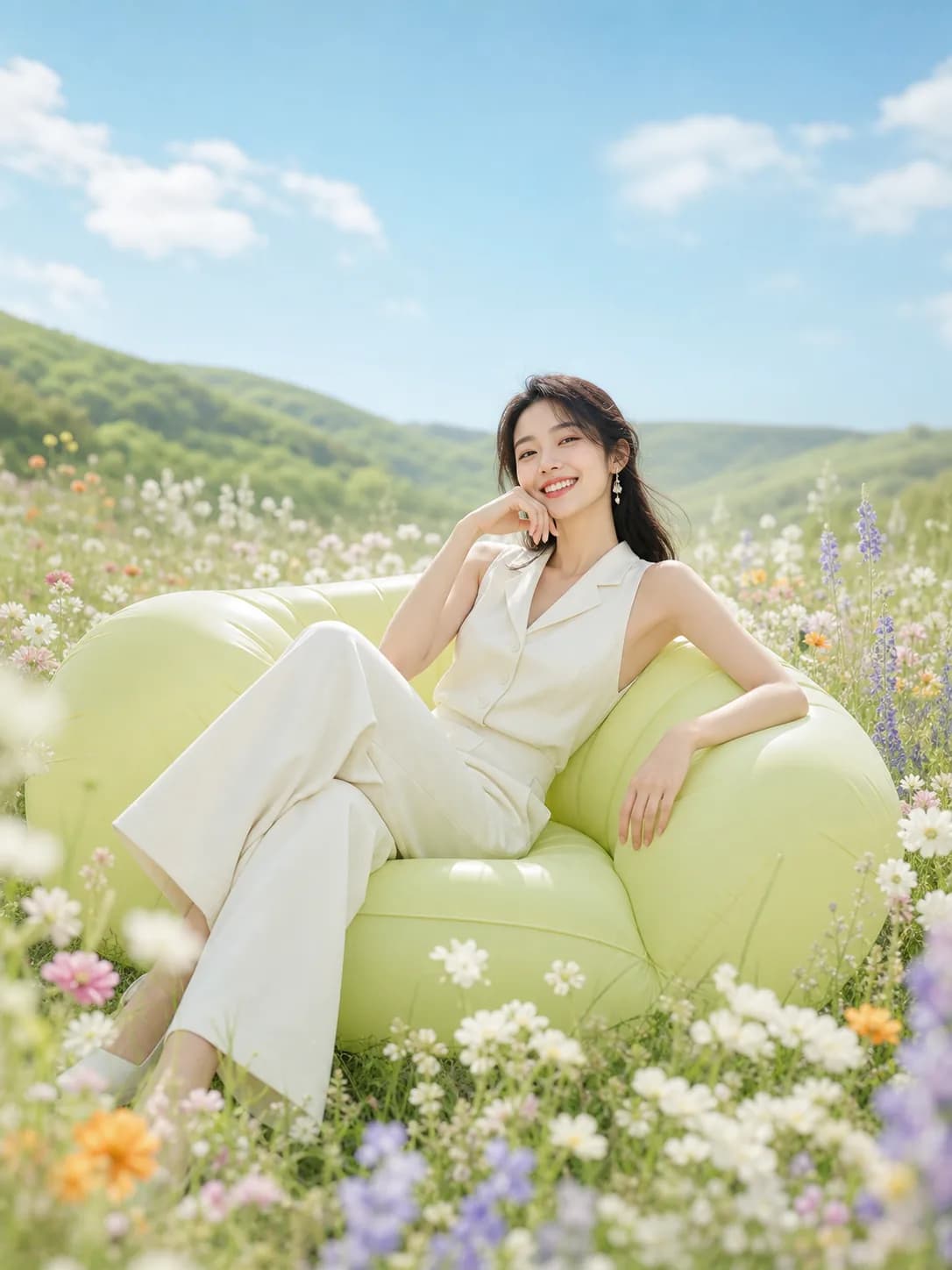
Dreamy lifestyle photo, relaxed model, pastel outdoor scene, airy lighting, detailed clothing texture.
Prompt 2

Dreamy lifestyle photo, relaxed model, pastel outdoor scene, airy lighting, detailed clothing texture.

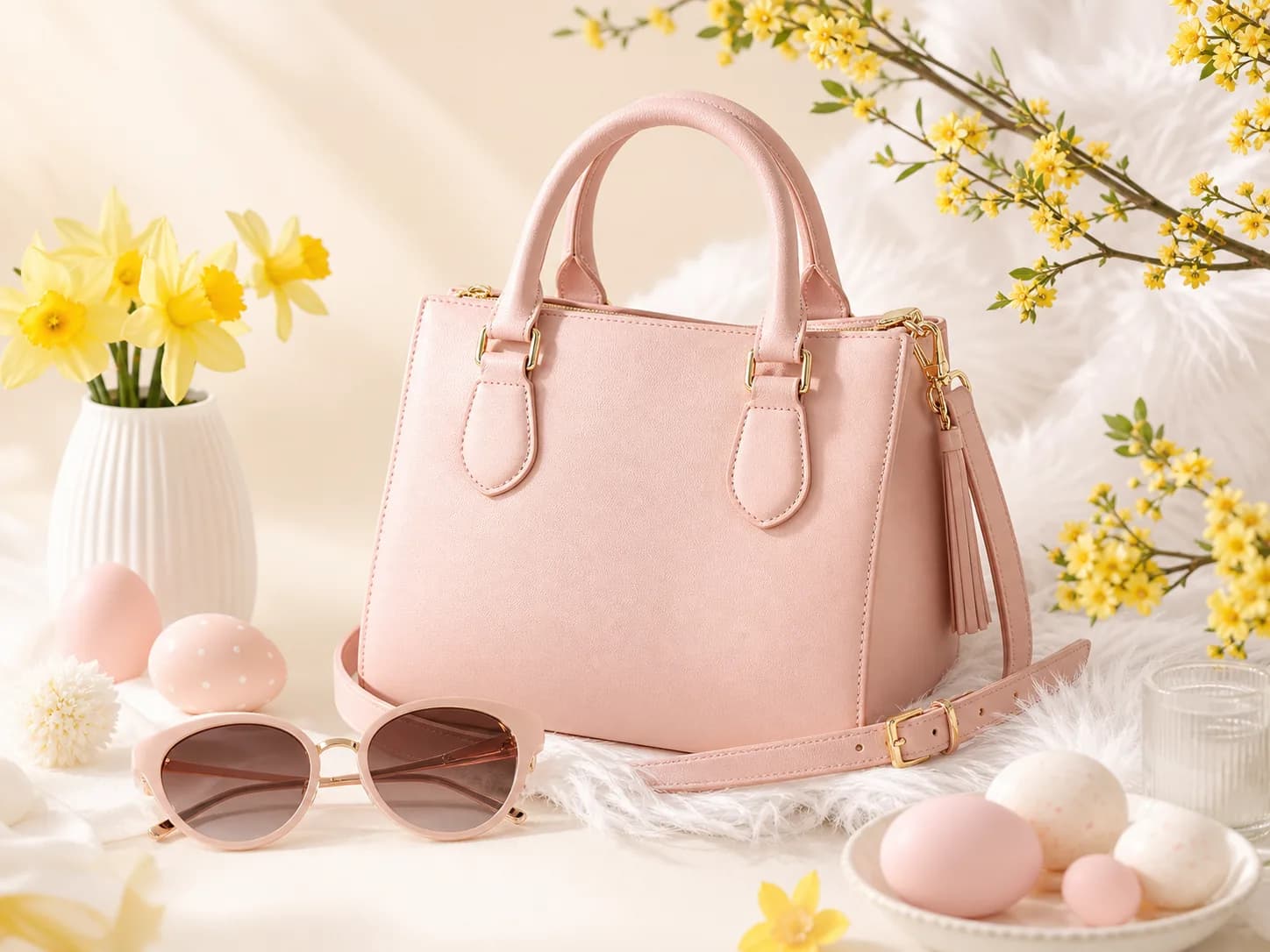
Pastel ecommerce handbag product shot, spring props, bright studio light, premium composition.
Prompt 3

Pastel ecommerce handbag product shot, spring props, bright studio light, premium composition.

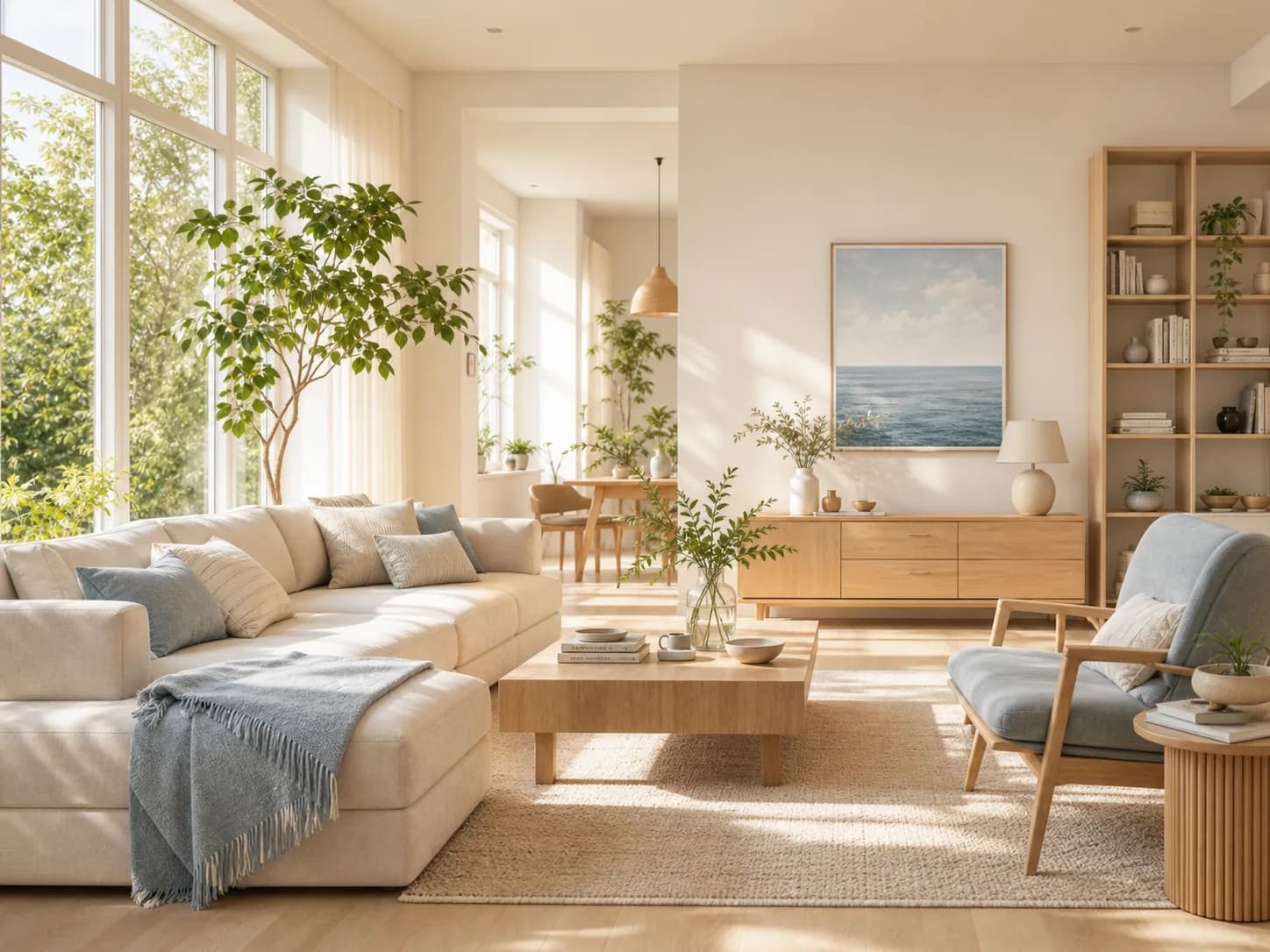
Sunlit modern living room, light oak furniture, plants, airy daylight, realistic interior photography.
Prompt 4

Sunlit modern living room, light oak furniture, plants, airy daylight, realistic interior photography.

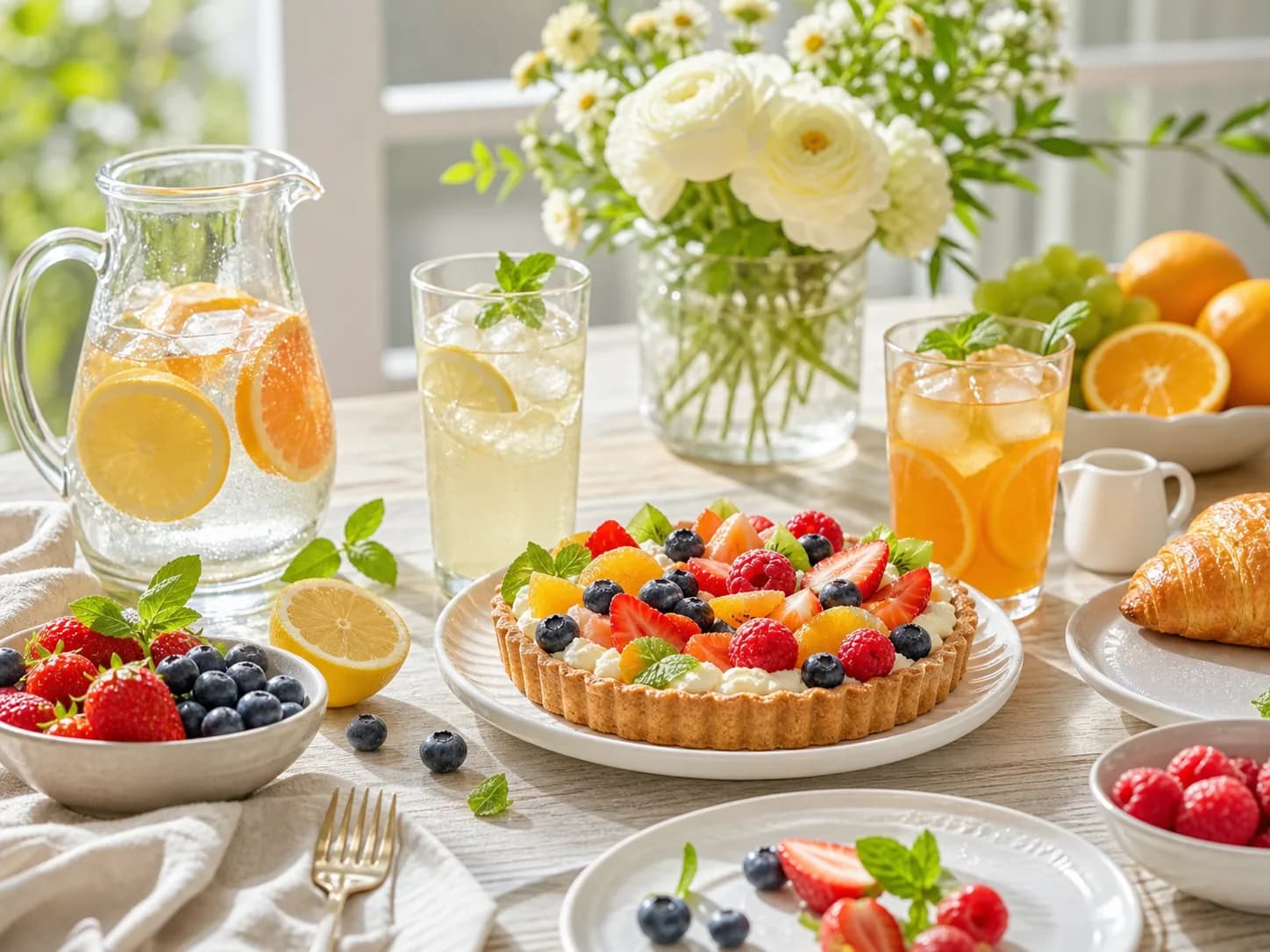
Bright brunch table, fruit tart, citrus drinks, flowers, clean lifestyle advertising finish.
Prompt 5

Bright brunch table, fruit tart, citrus drinks, flowers, clean lifestyle advertising finish.

Fresh skincare advertisement, botanical props, pale background, soft shadows, premium composition.
Prompt 6

Fresh skincare advertisement, botanical props, pale background, soft shadows, premium composition.

Browse more

Go beyond basic text to image generation

01

Multi-image reference fusion

02

Strict prompt adherence

03

Style presets

04

High-resolution output

05

Batch generation

06

Image to video workflow

AI image generator built for real use cases

E-CommerceMarketing & Social MediaBrandingConcept Art
AI image generator built for real use cases
E-Commerce

How to create AI images

Step 1. Input prompts or references

Type your idea or upload images to guide subject, composition, or style.

Step 2. Customize settings

Select a model, aspect ratio, output count, and generation settings.

Step 3. Generate and export

Create images, refine the result, then download or continue editing.

Built for fast creative work

25+
Image models
1
Workspace
4
Creation modes
100%
Online workflow

FAQs

What is an AI image generator?

An AI image generator creates new visuals from text prompts or reference images. PixMind combines prompt input, reference upload, model selection, and output settings in one page.

Can I generate images from reference images?

Yes. Upload reference images to guide subject, style, composition, or image-to-image creation.

Which models can I use?

PixMind brings multiple image models into one workflow, including PixMind, GPT Image, Midjourney-style generation, FLUX, Seedream, and Nano Banana family models where available.

Can I use generated images for commercial work?

You can use PixMind to create commercial and creative assets. Check the model and plan terms for your exact usage rights.

Start creating with PixMind AI Image Generator

Create AI-generated images from text or references and continue editing them in one workspace.

Generate
自由人青年AI

Transform your creative vision into reality with our AI-powered prompt generation tools. Convert images to prompts, enhance text prompts, and generate stunning visuals.

AI Image

  • Pixmind
  • Nano Banana Pro
  • Recraft AI
  • Seedream
  • Nano Banana
  • GPT Image 2
  • Midjourney V7

AI Video

  • Seedance 1.5 Bytedance
  • Veo3.0/3.1
  • Pixverse Video
  • Video to Prompt

AI Tools

  • Video Downloader
  • Subtitle Remover
  • Video to Prompt
  • Image to Prompt (Free)
  • Image Compress (Free)
  • Smart Background Removal
  • AI Image Upscaler

Support

  • Blog
  • Pricing
  • Contact Us
  • About Us
  • API
  • Privacy Policy
  • Terms of Service
  • Refund Policy
  • Content Moderation Policy
  • AI Wrapper Disclaimer
© 2026 • Pixmind. All rights reserved. [email protected]Partners