
Seedance 2.0 AI Video Generator
Generate professional AI videos powered by Seedance 2.0 on PixMind. Combine text, images, and audio references to produce stunning videos with consistent characters, synchronized voice, and cinematic quality.
Turn your creative vision into polished AI videos. Upload references, describe your scene, and let Seedance 2.0 handle the rest — from character consistency to audio synchronization.
What Makes Seedance 2.0 Powerful
A next-generation video model built for creators who need quality, control, and speed.
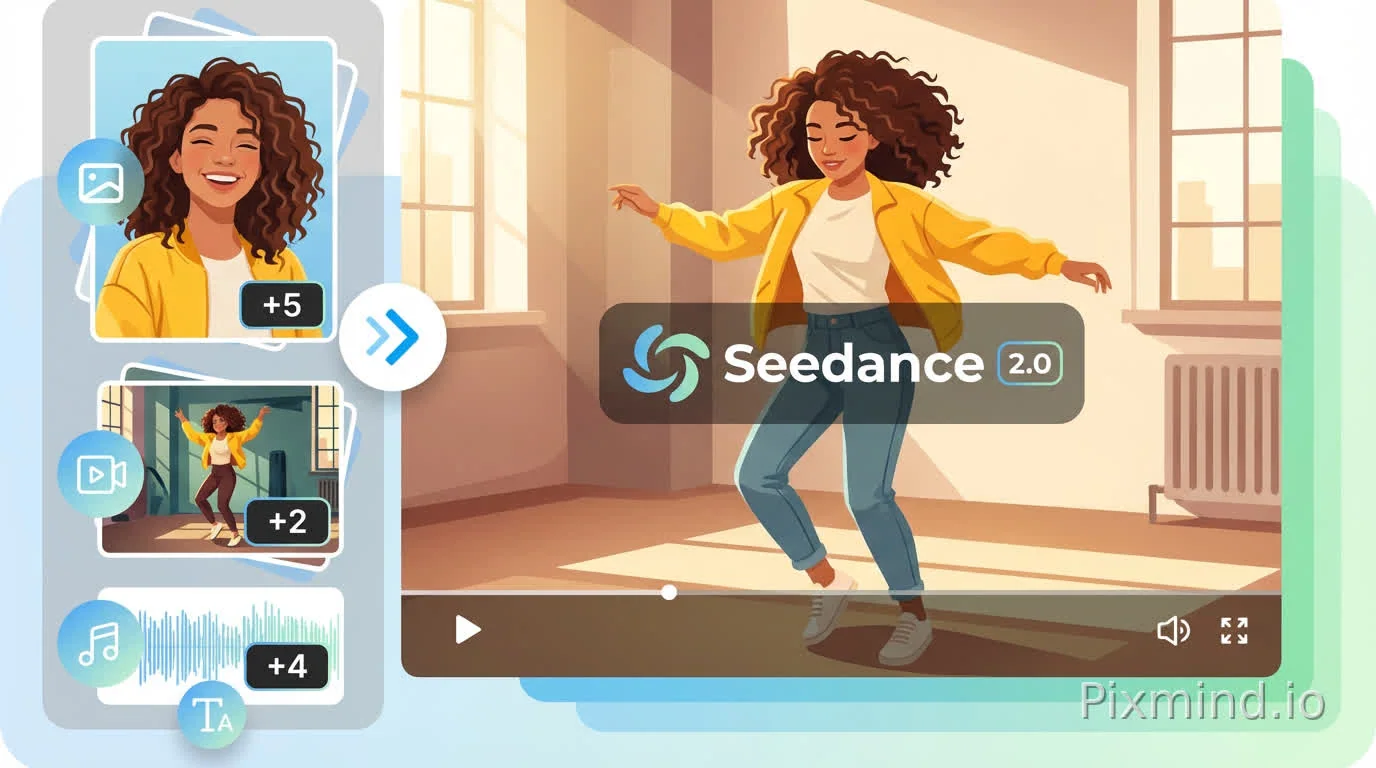
Advanced Multimodal Reference Input
Feed Seedance 2.0 with images, video clips, audio tracks, or text prompts — all at once. The model understands each input and blends them into a cohesive output, preserving character identity and learning your preferred camera angles, motion styles, and editing patterns.
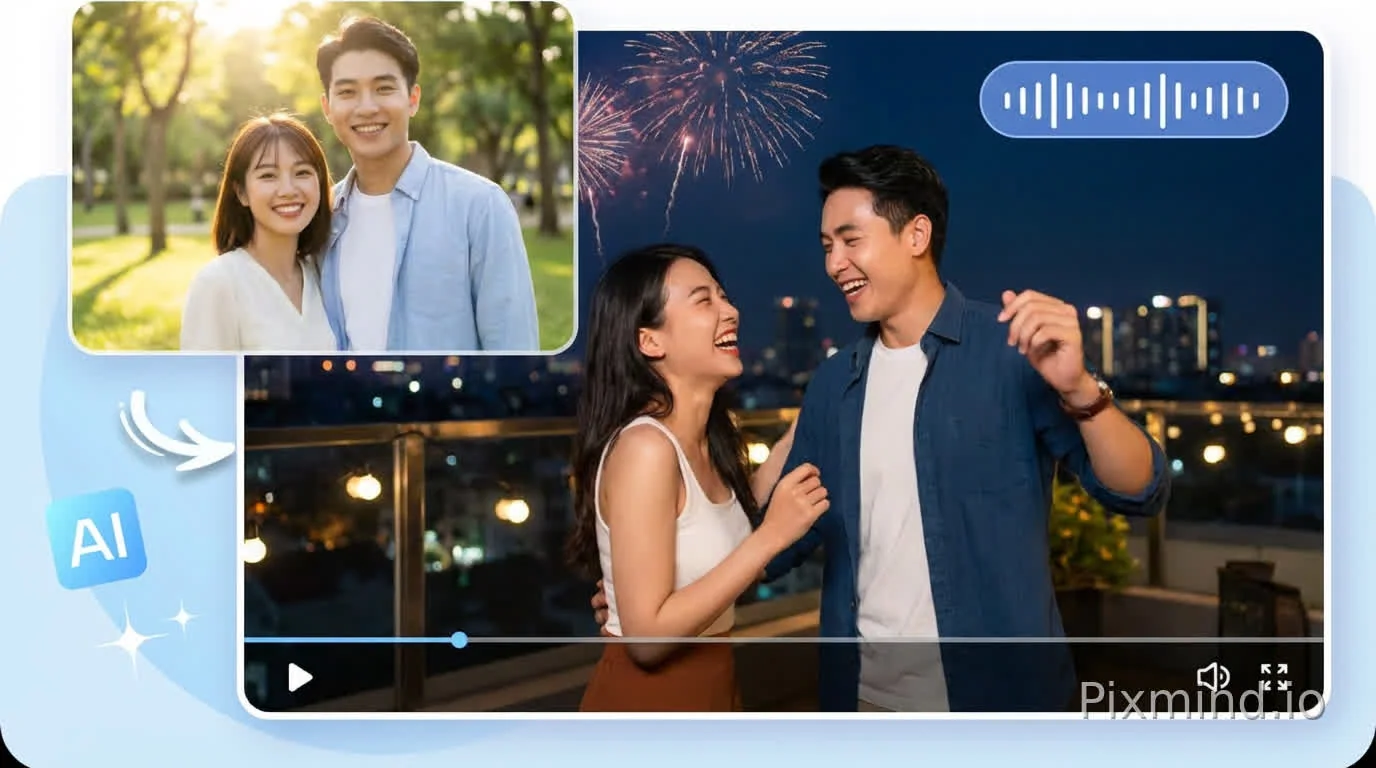
Precise Control for Effortless Video Creation
Fine-tune every aspect of your video output. Seedance 2.0 faithfully reproduces character details, framing, and audio from your references while keeping all elements visually coherent. Scene transitions feel natural, and the pacing follows your creative direction.
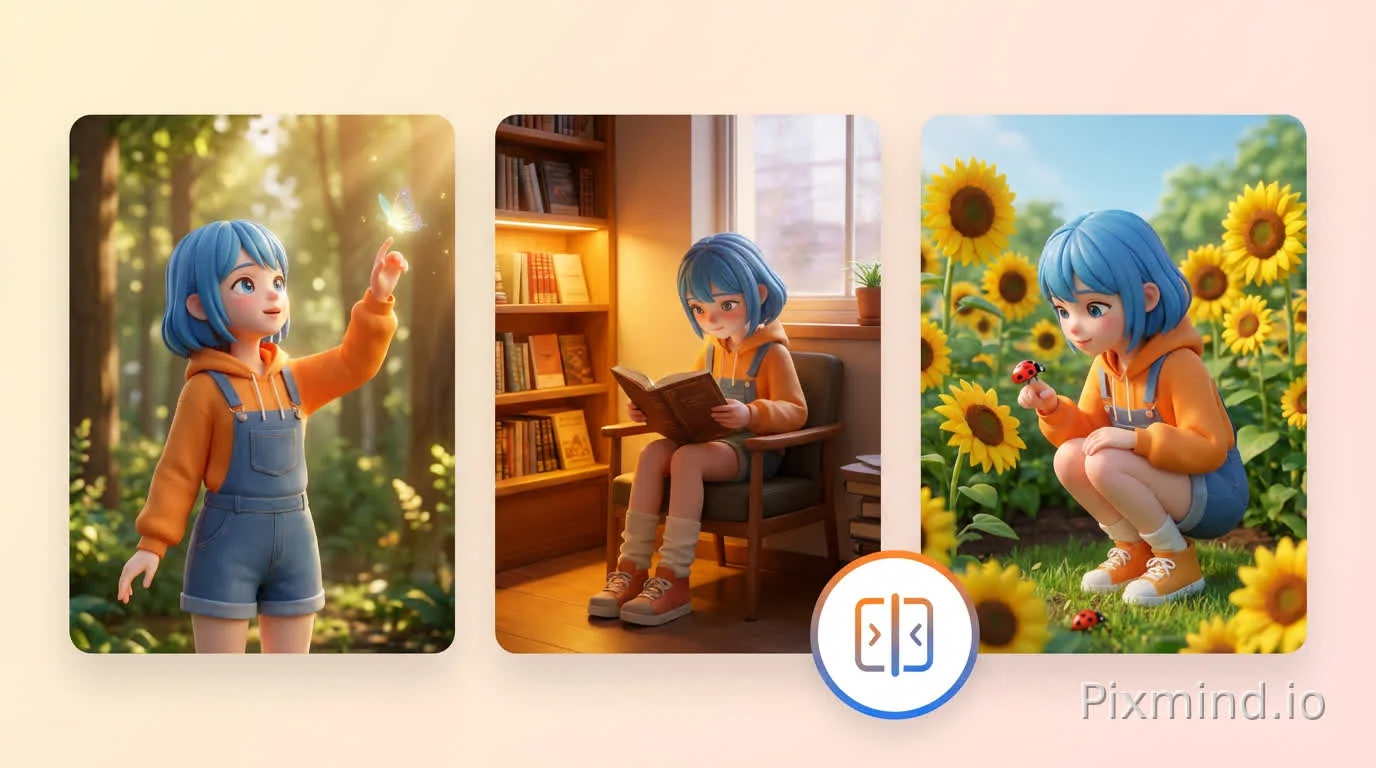
Seamless Multi-Camera Storytelling
Build multi-scene narratives where each shot connects naturally to the next. Seedance 2.0 extends existing footage or generates fresh storylines with accurate lip-sync and audio-visual alignment across both solo and ensemble scenes.
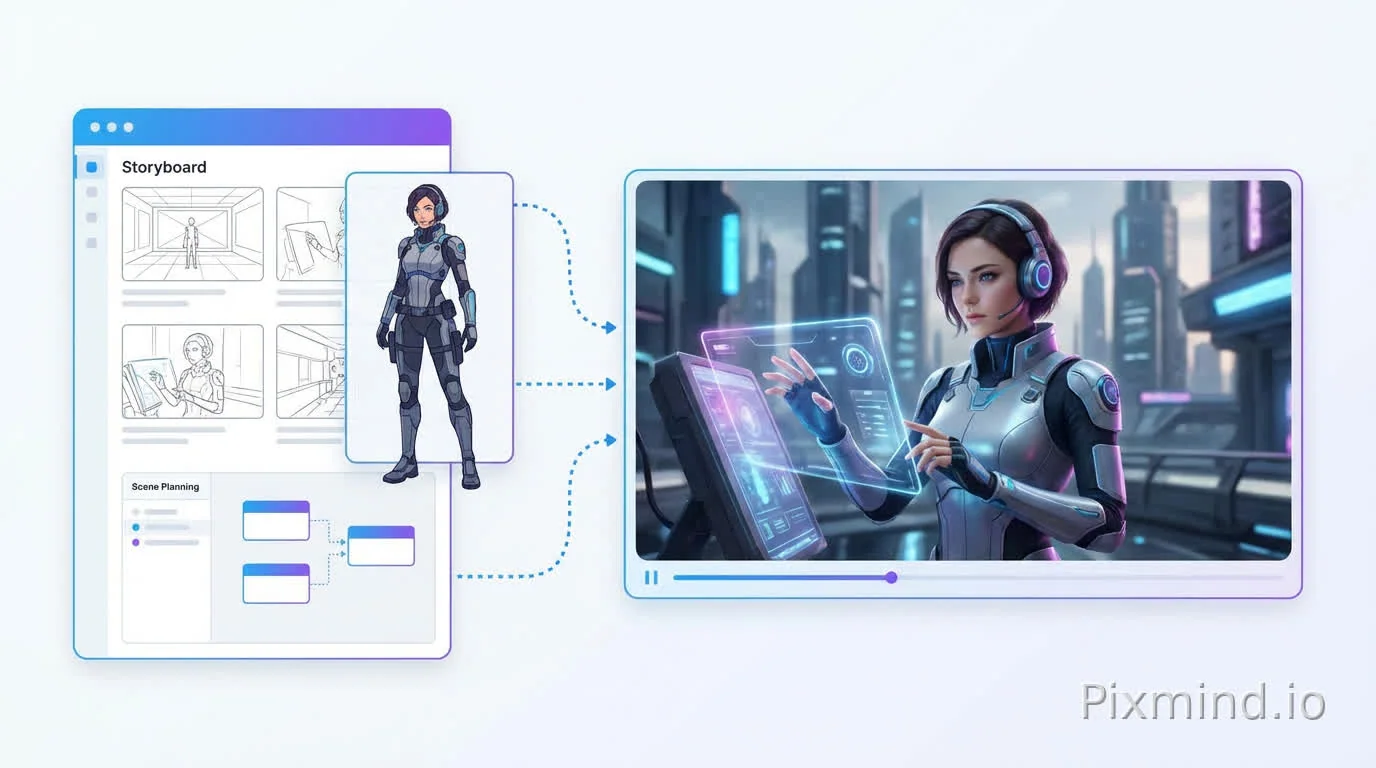
End-to-End AI Video Creation
Handle your entire video pipeline in one place — from initial concept and storyboarding to final render. Characters, backgrounds, dialogue, and effects all come together in a unified workflow, eliminating the need to juggle multiple tools.
Why Choose Seedance 2.0 on PixMind
See how Seedance 2.0 accelerates your video creation workflow.
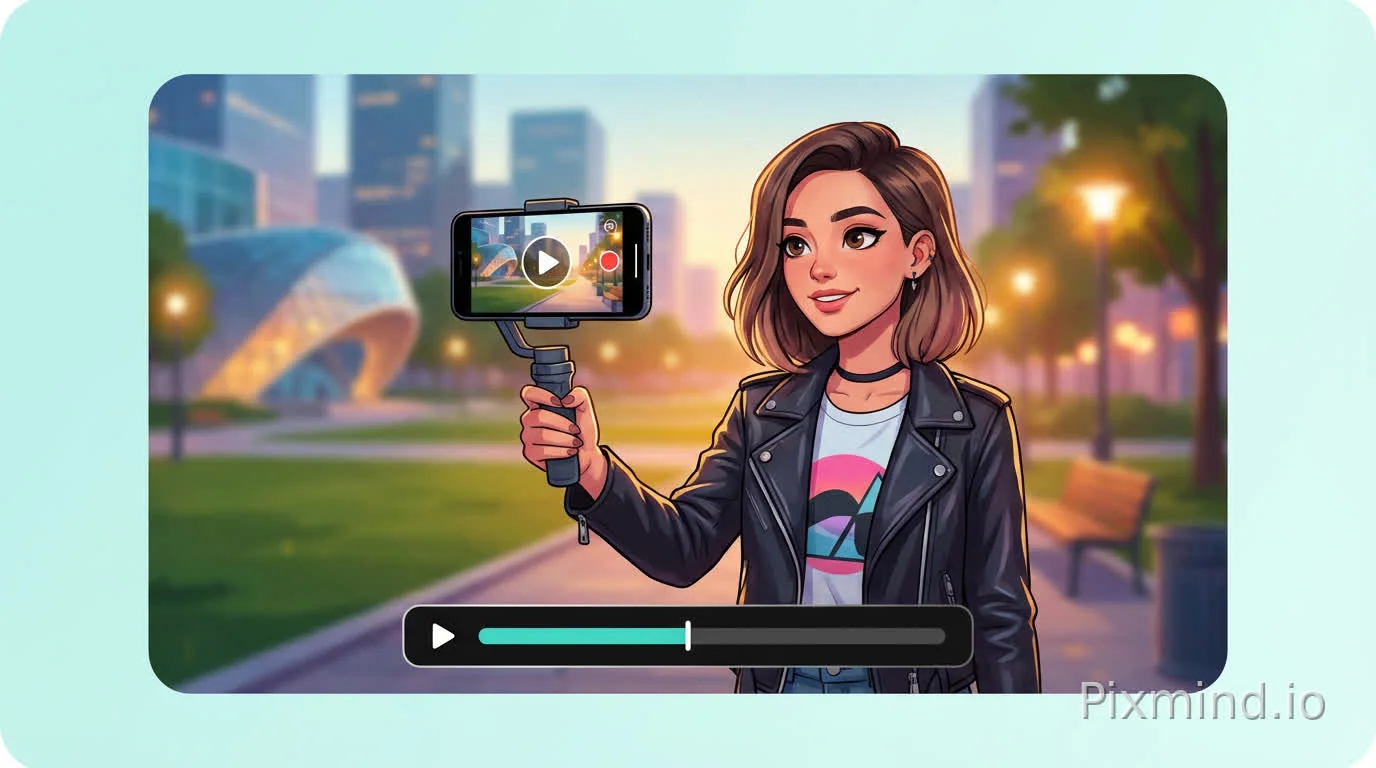
From prompt to publish-ready video
Type a single sentence and watch Seedance 2.0 produce a complete, polished video. Whether you're chasing a trending format, reimagining a classic concept, or building original content, the AI delivers results that match your intent — cutting production time from hours to minutes.
Locked-in character & IP consistency
Your characters stay visually identical across every scene — same face, same outfit, same personality. Move them through different environments without losing any detail. This makes Seedance 2.0 ideal for series content, brand ambassadors, and any project requiring visual continuity.
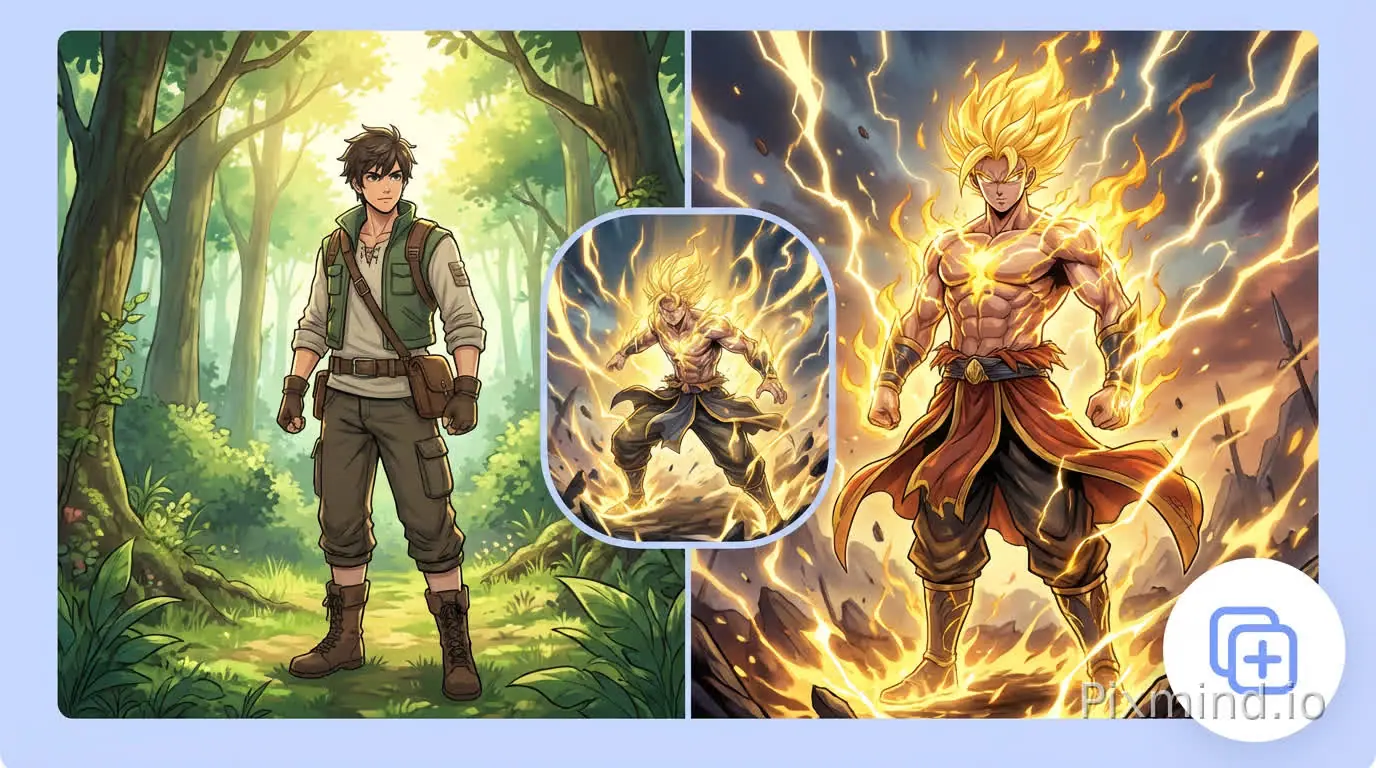
Effortless style & VFX transfer
Apply any visual style to your videos by simply providing a reference. Share an anime frame, a film still, or a VFX clip, and Seedance 2.0 transfers that aesthetic across your entire video. Professional-grade visuals without specialized editing knowledge.
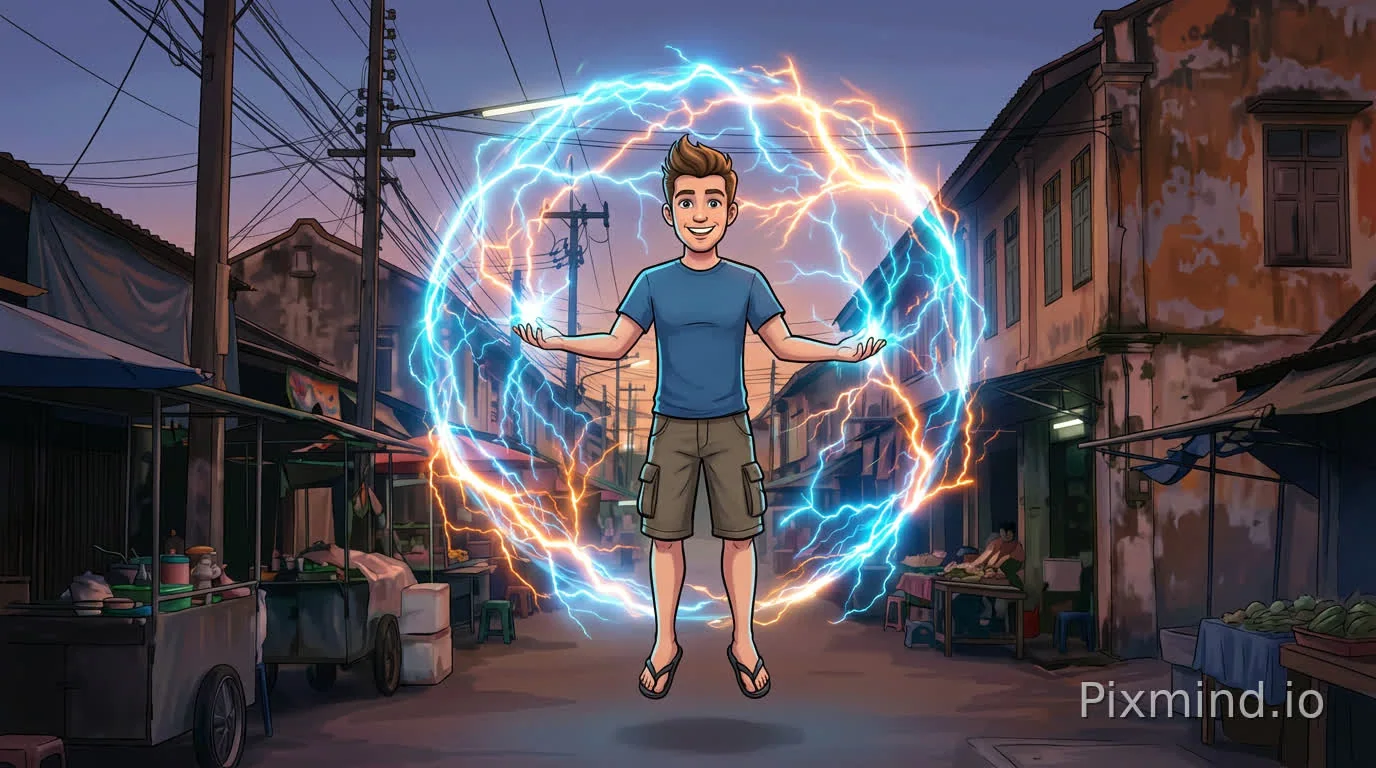
Boundless creative flexibility
Switch between photorealistic footage, stylized animation, cinematic grading, and experimental VFX within the same project. Seedance 2.0 processes diverse reference inputs and produces coherent results, giving you the freedom to push creative boundaries.
Who Uses Seedance 2.0
From independent creators to enterprise teams, Seedance 2.0 fits into any production workflow.
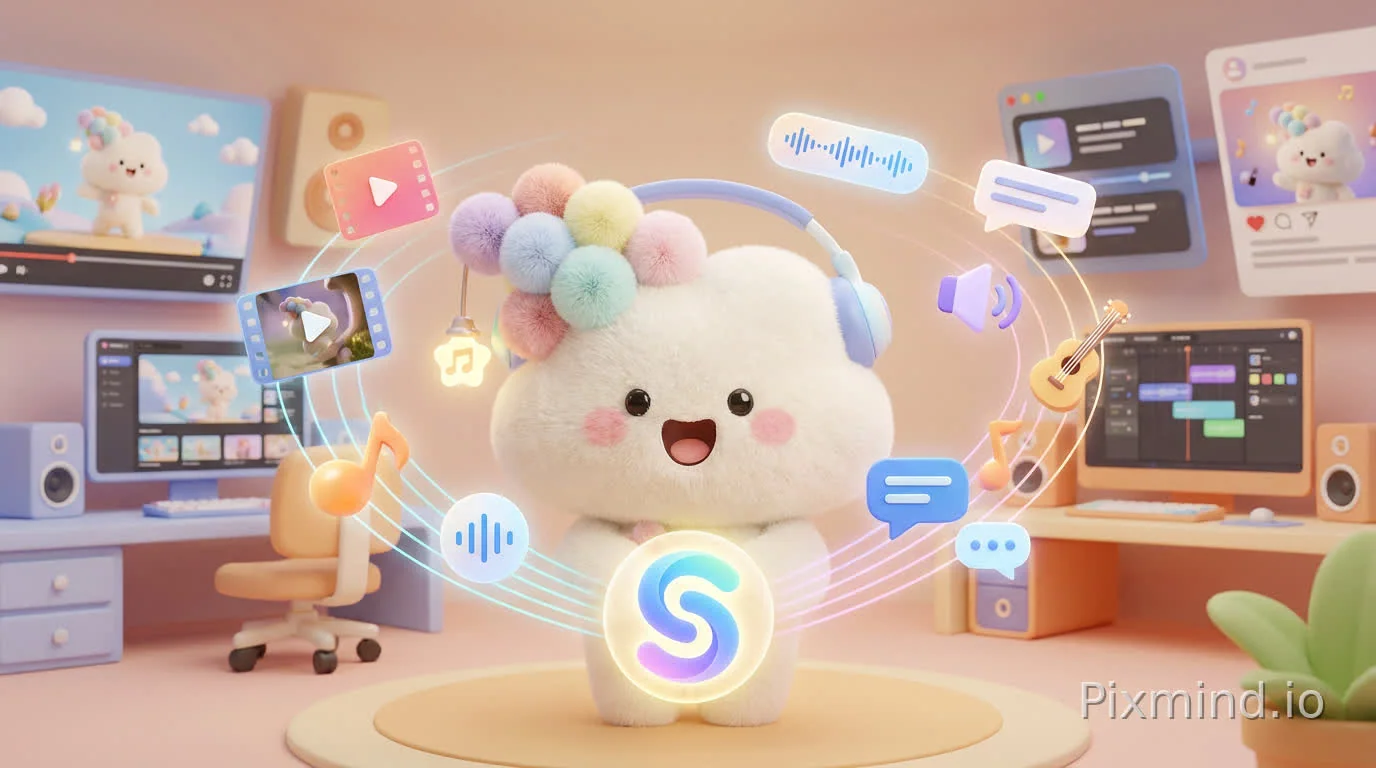
Creators & Social content
Produce eye-catching short videos, animations, and music visuals with a consistent personal style. Use reference images and audio to control action, camera movement, and scene composition — perfect for YouTube, TikTok, Instagram, and other social platforms.

Brand campaigns & Marketing
Create product demos, campaign videos, and promotional content that maintain brand consistency — logos, colors, packaging, and tone stay intact across every variation. Generate platform-specific versions rapidly without rebuilding from scratch.
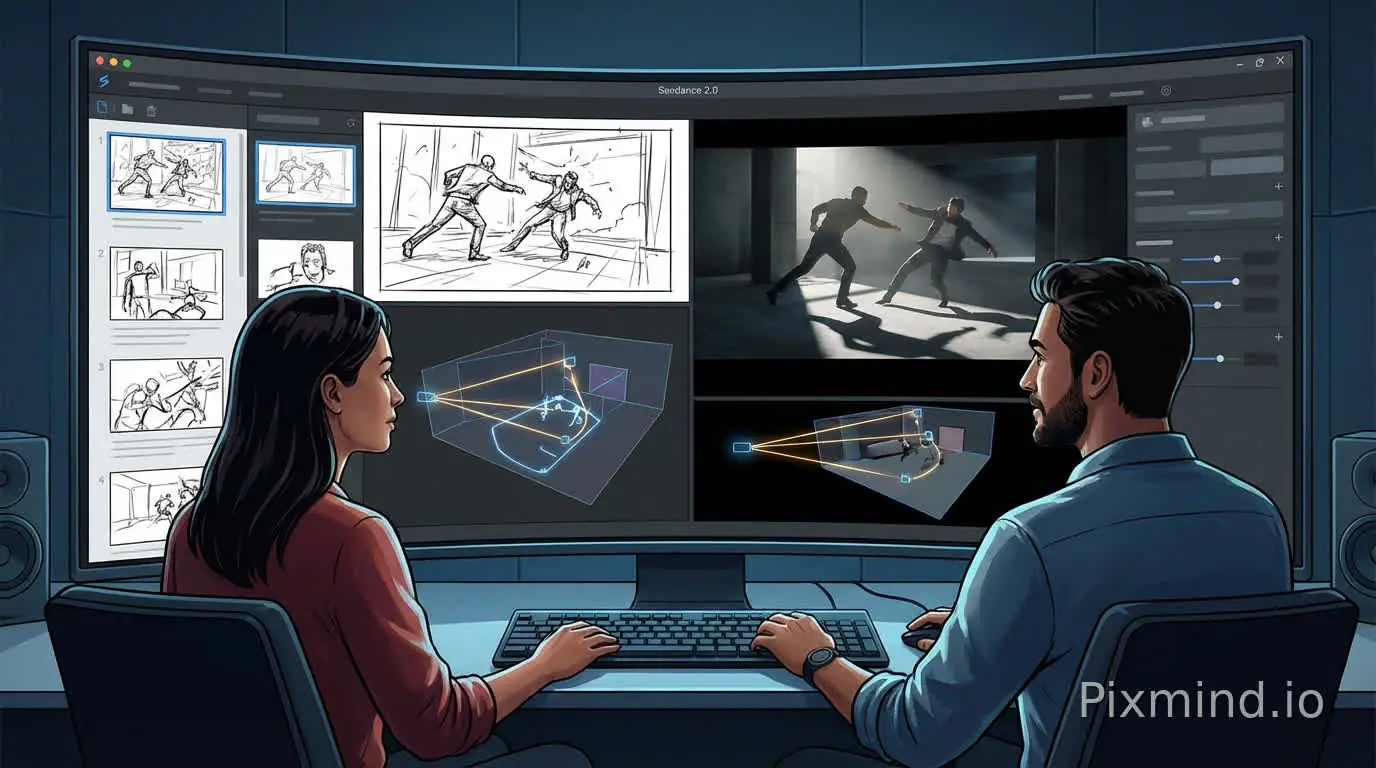
Film, game & Creative previz
Transform storyboards and rough sketches into cinematic previews with realistic motion and lighting. Ideal for filmmakers, game studios, and animators who need to validate shots, test camera paths, and refine sequences before committing to full production.
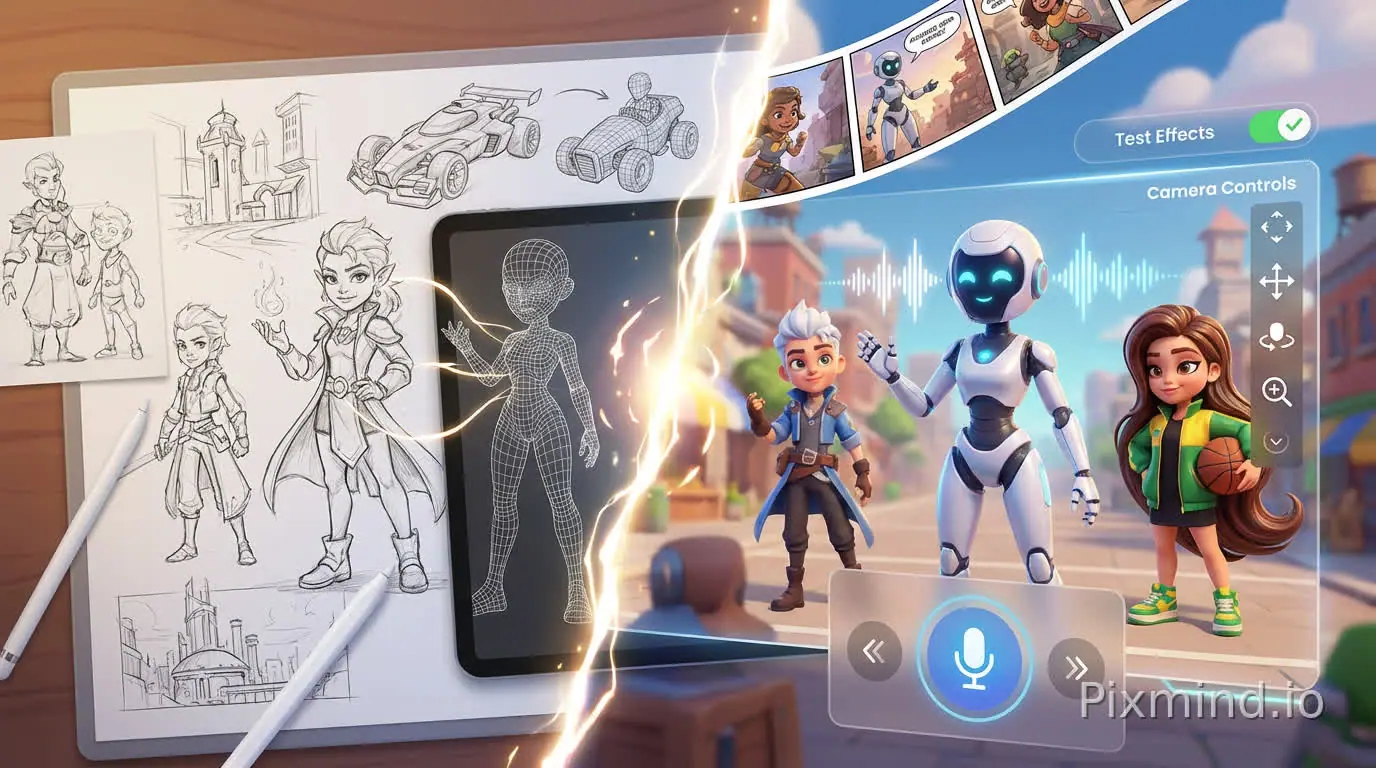
Creative & Interactive design
Bring static designs to life — turn sketches into animated sequences, create motion graphics from illustrations, or prototype interactive character animations. Rapidly iterate on visual concepts and test ideas before final production.
Get Started with Seedance 2.0 in 3 Steps
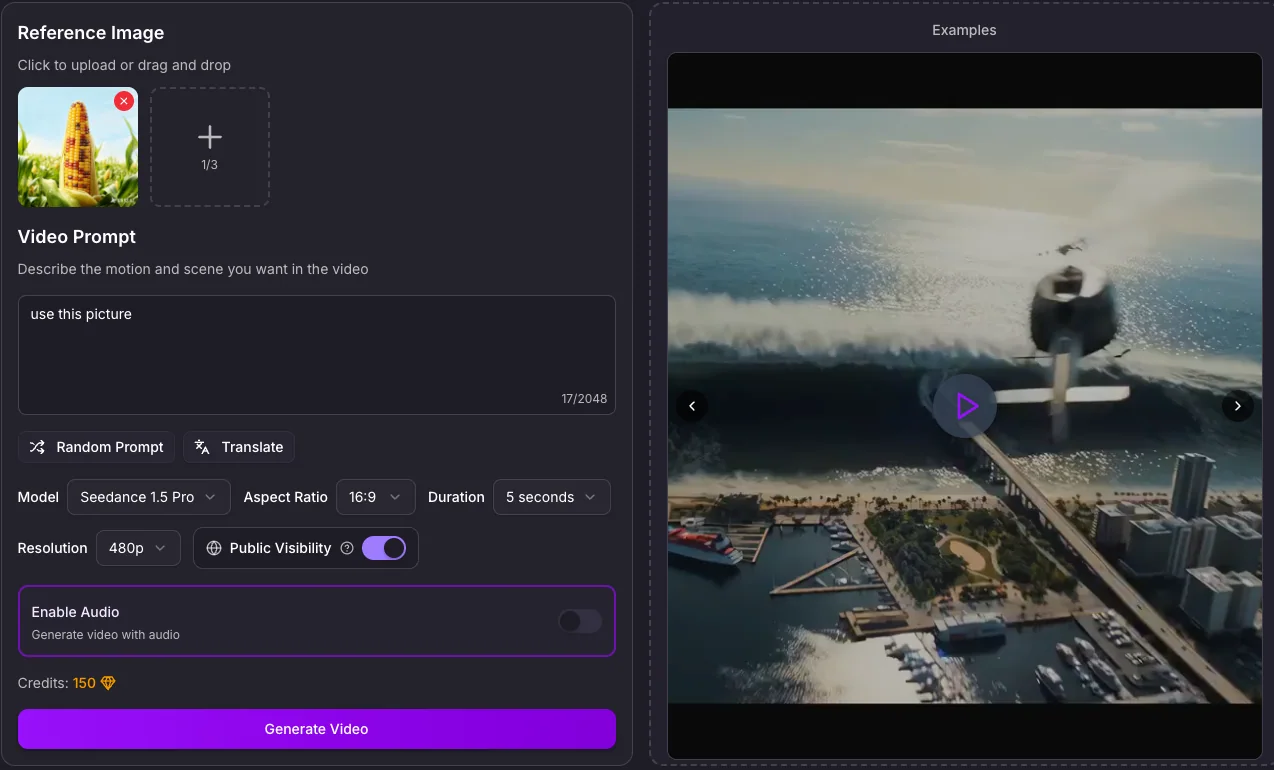
Seedance 2.0 Pro FAQ
Which inputs and controls are currently available on Seedance 2.0 Pro in PixMind?
The connected Pro route currently exposes text or image generation, first and last frame control, and multimodal reference mode with image, video, and audio inputs.
How should I assign multimodal references on Pro?
Give every asset one explicit job: for example, one image for identity, one image for product shape, one video for motion, and one audio file for rhythm. Remove references that compete for the same role.
When should I use first and last frame control?
Use it when both endpoints are already approved and the task is to direct the physical transition between them. Make the two frames compositionally compatible and describe only the middle motion.
What duration and resolution does the current Pro route show?
The verified route response lists 5, 10, or 15 seconds and 480p, 720p, or 1080p. It also lists 4K, but treat 4K as unverified until the live UI accepts it and the delivered file is checked.
Does Seedance 2.0 Pro generate audio?
The connected route reports audio capability and accepts audio in multimodal reference mode. Always review wording, lip movement, sound source, distortion, and timing in the complete output.
When should I choose Pro instead of Fast or Mini?
Choose Pro after the direction is selected and the shot needs complex references or a final candidate. Use Fast to compare controlled variants and Mini to validate reference fit or composition before polishing.
How many credits does Pro cost?
The verified endpoint snapshot does not publish a stable Pro credit field. Check the live generator immediately before submitting and record the charged amount with the model ID and settings.
What must I review before publishing a Pro result?
Review faces, hands, identity, product geometry, text, logos, dialogue, audio timing, and continuity frame by frame. Confirm rights for every uploaded person, brand, voice, video, image, and audio reference.