Pixmind
  • AI Agent
  • 灵感展示
  • 定价
  • 使用说明
Pixmind
  1. 首页
  2. AI 模型
  3. Recraft V4 - 专业AI设计生成器 | PixMind

Recraft AI 图像生成器

使用 Recraft AI 生成可用于设计生产的图像、可编辑 SVG 矢量图、图标、Logo、样机、海报和品牌素材,在一个工作流中完成位图与矢量视觉创作。

可编辑 SVG产品样机品牌素材
Recraft for images, vectors, icons, logos, and mockups

Generate designer-ready images and editable brand assets in one AI workspace.

Recraft is built for visual production: create raster images, SVG vectors, icons, logos, mockups, posters, and brand-consistent graphics, then refine them with editing tools for real design workflows.

Try RecraftView features
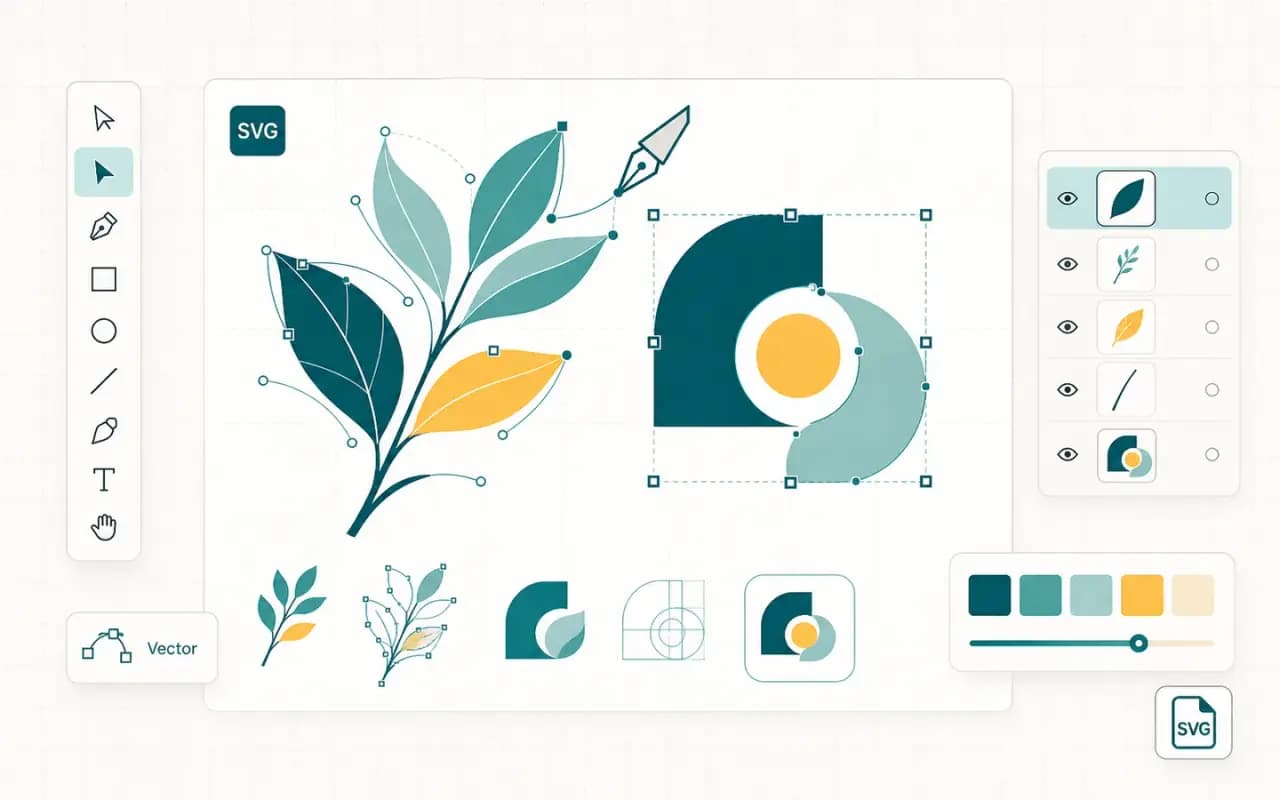
Recraft V4 AI image and vector design workspace

Key features

Why Recraft works better for design assets

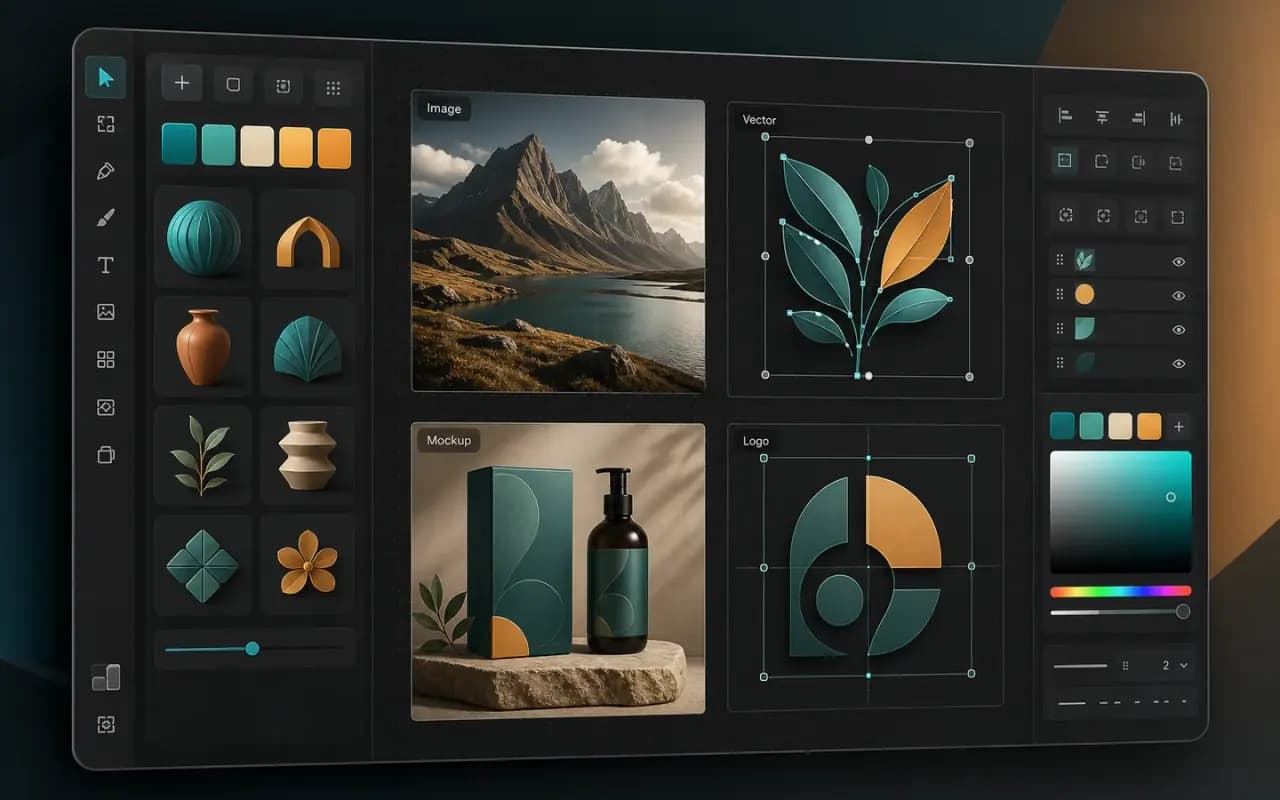
Recraft V4 AI image and vector design workspace

AI images for designers

Generate photorealistic images, posters, illustrations, stock-style visuals, food images, and product creatives in a workflow built for design production.

Editable SVG vector generation with anchor points and design controls

Editable SVG vector generation

Use Recraft for logos, icons, mascots, vector illustrations, and scalable assets that need to move from AI draft to real design work.
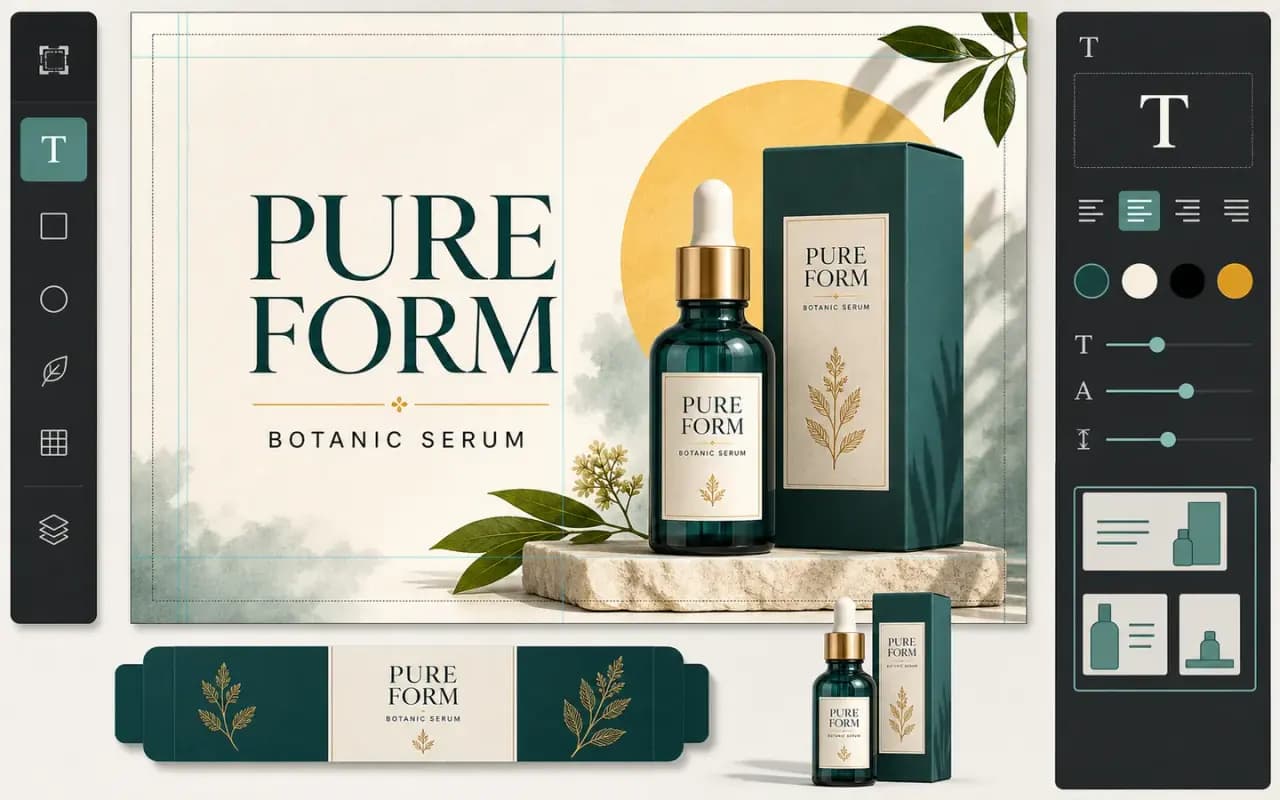
AI generated poster with readable product typography

Text rendering inside images

Create visual assets with readable headlines, labels, posters, mockup copy, and brand messages instead of treating text as an afterthought.
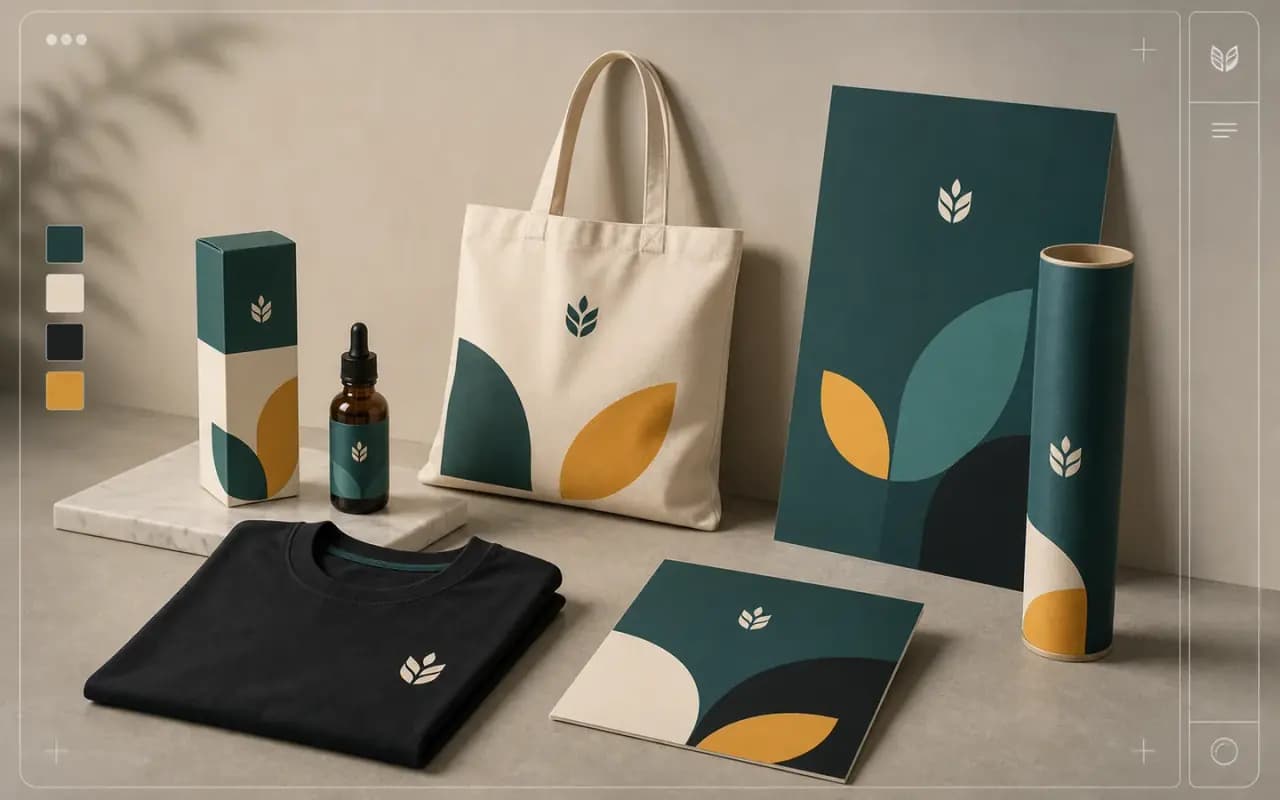
AI generated product mockups and brand assets

Mockups and brand assets

Generate packaging, apparel mockups, posters, product previews, social creatives, and print-on-demand assets from one creative brief.
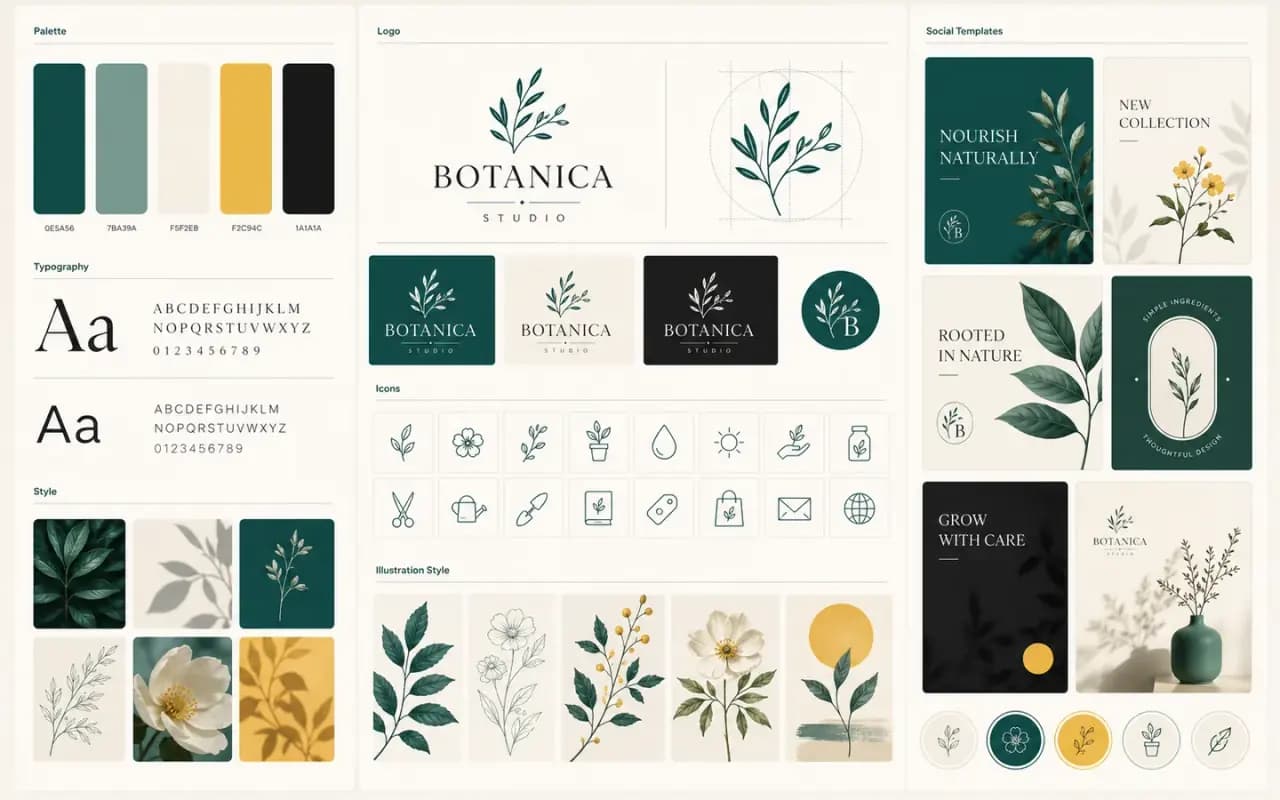
Consistent brand system board generated with AI

Brand style control

Keep a visual system consistent with brand colors, style references, repeatable illustration language, and controlled creative variations.
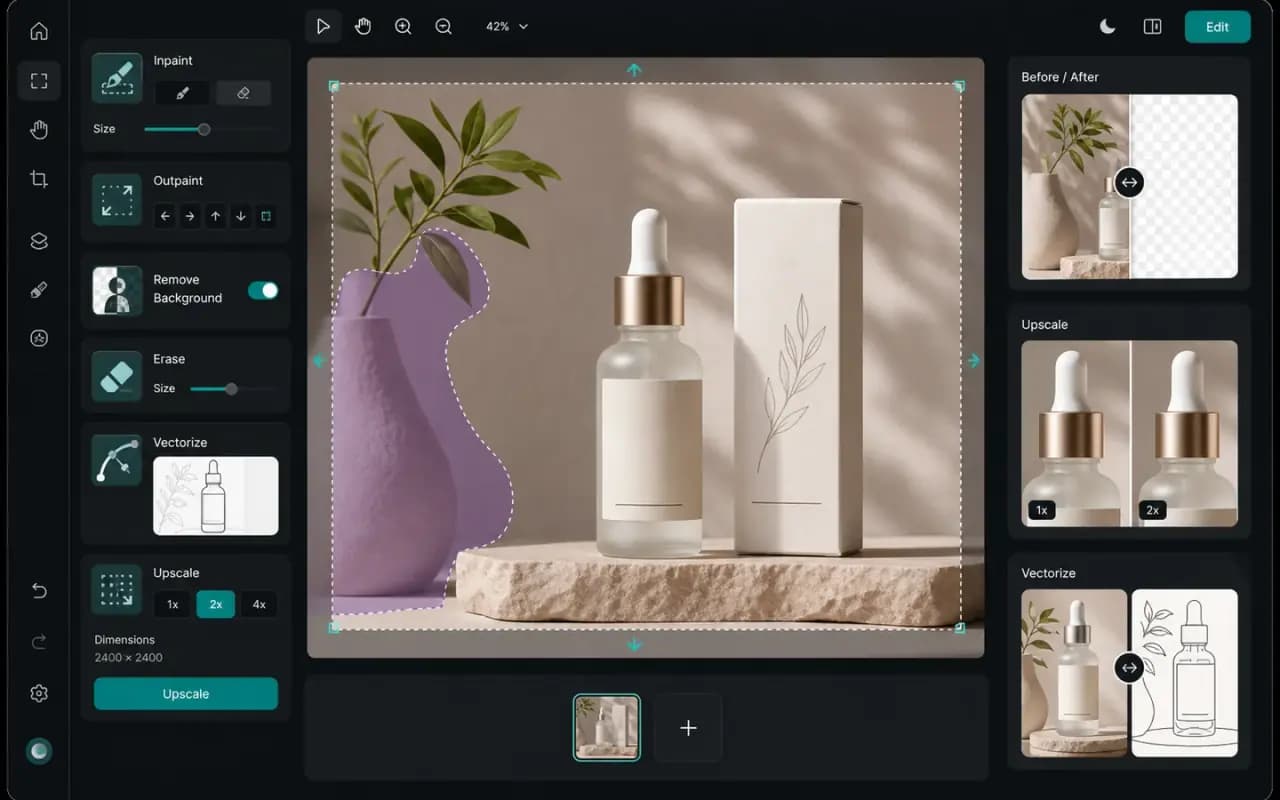
AI image editing workspace with mask, remove background, and upscale tools

Built-in AI editing tools

Refine with inpainting, outpainting, erase region, background removal, vectorization, crisp upscale, and creative upscale workflows.

Use cases

Cover the whole brand asset pipeline

Recraft is strongest when the deliverable needs to become a usable design asset, not just a single AI artwork.

Logo concepts
SVG icons
Product mockups
Ad creatives
Posters
Stock images
Food images
Brand illustrations
Print-on-demand art
Social media graphics
Character assets
Vector stickers

How to use

From prompt to production-ready asset

01

Describe the design task

Write the object, style, format, text, brand colors, and whether you need raster, vector, icon, logo, or mockup output.

02

Choose output mode

Use image generation for raster visuals, vector generation for editable SVG, or editing tools for refining an existing asset.

03

Edit and export

Remove backgrounds, vectorize, upscale, modify regions, extend canvas, then export production-ready formats.

Model parameters

Recraft AI image generator parameter comparison

Compare concrete output types, export formats, resolution notes, and design workflow support.

Parameter
Recraft
Midjourney
Flux
Nano Banana Pro
Model family
Recraft V4 / V4 Pro / V4 Vector / V4 Pro Vector
Midjourney image model
Flux image models
Nano Banana Pro
Output type
Raster images and editable SVG vectors
Raster images
Raster images
Raster images
Vector / SVG
Native SVG generation and vectorization
No native editable SVG
Resolution
V4 Pro print-ready 2048 x 2048px; API input up to 16MP / 4096px edge
HD output, commonly 2048px class
Model tier dependent, often 1K-2K
1K, native 2K, up to 4K download
Formats
SVG, PNG, PDF, TIFF, Lottie
PNG/JPG downloads
PNG/JPG/WebP by provider
PNG/WebP by platform
Text in image
Strong for posters, labels, mockups, and brand graphics
Not reliable for dense text
Limited for dense reliable text
Strong for headlines, labels, charts, and infographics
Editing tools
Inpaint, outpaint, erase, background remove, vectorize, upscale
Variation and region tools
Kontext/control variants by provider
Prompt editing and reference-guided refinement
Best use case
Designer-ready images, vectors, icons, logos, mockups, brand assets
High-aesthetic exploration
Photoreal and style variants
Text-heavy production visuals

SEO-friendly details users actually search for

Recraft is a fit for searches around AI vector generator, SVG generator, AI logo generator, AI icon generator, mockup generator, background remover, vectorizer, and image upscaler.

SVG output
PNG export
PDF / TIFF
Lottie
16MP API input
4096px max edge
Background removal
Crisp upscale

Recraft AI 图像生成器常见问题

关于 Recraft 图像生成、SVG 矢量图、Logo、样机和 AI 编辑的常见问题解答。

Recraft AI 图像生成器是面向设计生产的 AI 工具,可通过提示词或参考图生成位图图像、可编辑 SVG 矢量图、图标、Logo、样机、海报和品牌素材。

相关工具

Gemini 2.5 Flash图像生成器 - 快速AI绘画 | PixMind
Gemini 3 Pro图像生成器 - 高质量AI绘画 | PixMind
Seedream 5.0 Lite AI Image Generator — Free AI Art | PixMind
GPT Image 1 - 下一代AI图像生成器 | PixMind
Midjourney V7 & V6 - 专业AI绘画 | PixMind
Stable Diffusion 3 - 先进AI图像生成器 | PixMind
Flux 1.1 Pro - 高速AI图像生成器 | PixMind
Flux Kontext Pro - 专业AI图像生成器 | PixMind
DALL-E 3 - OpenAI AI图像生成器 | PixMind
Qwen Max VL - AI视觉图像生成器 | PixMind
Wan 2.1 - 先进AI图像生成 | PixMind
PixMind AI - 免费图像生成器 | PixMind
图片分层
图片转矢量图
AI 局改
AI消除
智能抠图
图片生成提示词
高清放大
图片压缩
自由人青年AI

使用我们的 AI 驱动的提示词生成工具,将您的创意愿景变为现实。将图片转换为提示词,增强文本提示词,并生成惊艳的视觉效果。

AI 图像

  • Pixmind
  • Nano Banana Pro
  • Recraft AI
  • Seedream
  • Nano Banana
  • GPT Image 2
  • Midjourney V7

AI 视频

  • Seedance 1.5 Bytedance
  • Veo3.0/3.1
  • Pixverse 视频
  • 视频转提示词

AI 工具

  • 视频下载器
  • 字幕/水印去除
  • 视频转提示词
  • 图片生成提示词 (免费)
  • 图片压缩 (免费)
  • 智能抠图
  • 图片超分

支持

  • 博客
  • 价格
  • 联系我们
  • 关于我们
  • API
  • 隐私政策
  • 服务条款
  • 退款政策
  • 内容审核政策
  • AI包装器免责声明
© 2026 • Pixmind 保留所有权利。 [email protected]合作伙伴